

TikTok Shop and Shopify Image Specs for UAE Sellers
Kate · Founder and Creative Director, BlueSky Studio
11 min readPrices checked
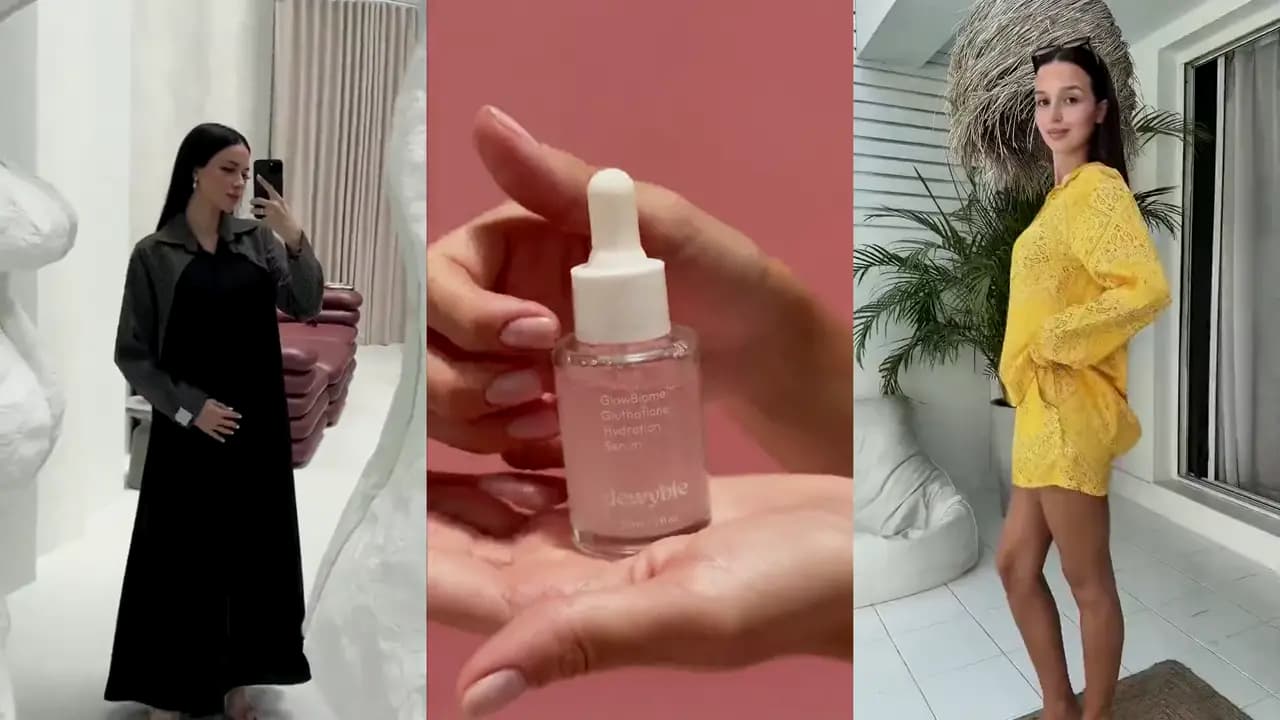
A square product image can look perfect on Shopify and become almost useless the moment somebody tries to force the same composition into a vertical TikTok frame. That is the real problem with creating product content for several channels. It is rarely about taking more photographs. It is about leaving the studio with the right shapes, crops and negative space so the same production can work across a product page, collection grid, marketplace listing and vertical social placement.
Specs checked: 28 September 2026
For UAE brands, there is one extra point to clarify first. TikTok Shop Seller Center is not currently listed by TikTok as directly available in the UAE. UAE brands may still be creating content for TikTok Shop operations in supported markets, cross-border structures or future launches, but there is no separate official UAE TikTok Shop image specification I can responsibly quote today.
So the TikTok numbers below use TikTok's current global and Seller Center documentation as a production baseline. Before uploading a catalogue, check the Seller Center for the actual market where the shop is registered. For Noon, Namshi and Amazon.ae requirements, use the marketplace image specs for Noon, Namshi and Amazon.ae.
TikTok Shop product images: the current baseline
TikTok's current Seller Center guidance is fairly simple. A product needs at least one image, but TikTok recommends using several views rather than relying on one hero. Current US Seller Center documentation allows up to 9 square product images, requires images of at least 600 × 600 px, and accepts JPG, JPEG and PNG with a maximum file size of 10 MB. TikTok recommends showing the product from different angles rather than repeating the same frame.
TikTok's global Partner Center documentation is slightly broader. It allows up to 9 main images, recommends at least 5 images, recommends a white first image, and supports main image dimensions between 300 × 300 and 4000 × 4000 px. For product-description imagery, TikTok recommends 1600 × 1600 px.
For production, I would not build the shoot around the minimum. A clean 1600 × 1600 or larger square master gives plenty of room for web delivery while keeping the catalogue comfortably above the platform floor.
TikTok Shop image checklist
| Requirement | Current production baseline |
|---|---|
| Minimum images | 1 required |
| Recommended image count | At least 5 |
| Maximum images | 9 |
| Main image shape | Square |
| Minimum practical resolution | 600 × 600 px or higher |
| Recommended master | 1600 × 1600 px or larger |
| Maximum file size | 10 MB in current Seller Center guidance |
| Formats | JPG, JPEG, PNG |
| Main image background | White / pure white depending on market policy |
| Text / watermark / graphic overlays | Avoid on product listing images |
Current TikTok listing policy also says the main image should clearly show the front physical view of the product and should not contain added text, logos, watermarks, borders or graphics covering the product or background. Images must accurately represent what the customer receives. That last point matters more than the dimensions.
A technically perfect 1600 × 1600 file can still be a bad listing image if half the frame is occupied by styling that makes it unclear what is actually included in the purchase.
What TikTok rejects or suppresses
Keep the product image simple. Promotional text such as “20% OFF”, shipping claims or price badges belong in editable platform fields, not permanently inside the master photo. The same applies to watermarks, decorative frames and collages. Current TikTok policy explicitly requires product listing imagery to be accurate and warns against visuals that misrepresent the item. TikTok has also tightened its 2026 rules around AI-generated and AI-edited product images: AI is allowed only when it does not change the product's size, colour, shape, features, included accessories or performance.
That is another reason to preserve a clean photographic master. You can always create campaign derivatives later. You cannot reliably reconstruct an untouched product file after text, badges and generative edits have been flattened into it.
TikTok Shop product video
TikTok's global Partner Center currently recommends a product video with:
- 1:1 aspect ratio
- HD 720p or higher
- 20–60 seconds
Current Seller Center policy allows one product video per listing and states a maximum file size of 5 MB in its current US documentation. Because exact technical upload rules can vary by seller market, I would still check the live Seller Center before exporting hundreds of videos.
For production, however, the important point is simple: do not treat the product video as another shoot. Light it while the product is already on the set. BlueSky's e-commerce offer includes product video clips for marketplace listings, and its Premium package includes video clips alongside the catalogue stills.
Shopify gives you more freedom
Shopify is much less restrictive because there is no marketplace approval queue deciding whether your hero image passes. That freedom is useful, but it makes catalogue consistency your responsibility. Shopify's current product-media guidance allows product and collection images up to 5000 × 5000 px or 25 megapixels, with a file size under 20 MB. For square product imagery, Shopify says 2048 × 2048 px usually displays well.
Shopify supports a wide range of formats. For product images, its current guidance includes PNG and JPEG as the main choices, with PSD, TIFF, BMP, GIF, SVG, HEIC and WebP also supported in product-media workflows. For normal catalogue photography I would keep it simpler: JPEG for ordinary product photography.
PNG where transparency is genuinely needed. Do not choose an exotic format simply because Shopify accepts it.
Shopify image specs
| Requirement | Shopify |
|---|---|
| Maximum product image dimensions | 5000 × 5000 px |
| Maximum resolution | 25 MP for product / collection media |
| Maximum file size | Under 20 MB |
| Recommended square size | 2048 × 2048 px |
| Main practical formats | JPEG, PNG |
| Additional supported formats | WebP, HEIC, GIF and others |
| Required aspect ratio | No single required ratio |
| Product media per item | Up to 250 media items |
| Delivery optimization | Shopify creates resized versions automatically |
Shopify also recommends keeping the same aspect ratio across featured product images so collection grids display consistently. That is more important than people think. One product at 1:1, another at 4:5 and a third at 3:2 may all look perfectly fine on their individual pages.
Put twelve of them together in a collection and suddenly the catalogue feels untidy.
Shopify handles WebP and AVIF for you
You do not need to create a manual WebP version of every JPEG. Shopify's image CDN automatically decides the best format for the customer's browser. When supported, Shopify can serve modern formats including WebP and AVIF automatically. So the studio should deliver a strong high-quality source.
Let Shopify deal with the storefront derivatives. Shopify also creates different image sizes automatically for different parts of the theme: a larger image may be used on the product page while a smaller derivative appears in a collection grid. That is why uploading a good 2048 px square is normally more useful than manually exporting twelve different web sizes.
There is no universal Shopify zoom threshold
It is tempting to look for the exact pixel threshold at which Shopify enables zoom. I would not put one universal number on it. Shopify supports product-image zoom, but the way zoom behaves depends on the theme, and Shopify's own documentation does not publish one global minimum threshold that applies to every current theme.
So the safer recommendation is: upload a high-resolution master, preferably around the Shopify-recommended 2048 × 2048 px for square product imagery, and test the zoom behaviour in the actual theme the store uses. That is more useful than relying on a magic number that may not apply to your theme.
Why 1:1 and 9:16 should be planned together
A square and a vertical are not the same photograph with different crops. Imagine a handbag filling most of a square frame. Now cut 9:16 from the centre. You may lose the handle, bottom edge or the context around it. The problem becomes even clearer with fashion. A square image designed around the full width of an abaya can lose the sleeve shape once a vertical crop is forced through it.
A good studio day plans both. First shoot the catalogue frame. Then, while the product, lighting and styling are unchanged, reframe for vertical. The background extends higher and lower. The product position changes. You leave more deliberate space where interface elements or captions may later sit.
The extra work is small because the lighting has already been built. Trying to manufacture the missing vertical composition a week later is not.
BlueSky already shoots channel crops into the workflow
BlueSky delivers for Amazon, Noon, Namshi and Shopify specifications and composes to the marketplace crop ratio on set rather than trying to crop an unsuitable campaign image afterwards. The Starter package includes marketplace-ready crops. Standard includes social-media crops. Premium includes listing video clips as part of the package.
So BlueSky does deliver platform-ready crops; it is not masters-only.
The exact combination depends on the package and brief, but marketplace output is already part of the e-commerce offer.
Is vertical product video included?
Product video clips for marketplace listings are part of BlueSky's e-commerce service overall. The Premium package includes video clips for listings.
In short: Premium includes listing video; if the clips need to be vertical, say so when you book. For Starter and Standard, ask for video to be included in the quote if you need it.
How long does the extra vertical take?
If both square and vertical are shot in one pass, confirm the extra minutes per SKU with the studio when you book. BlueSky's overall catalogue benchmark is around 40–60 clothing items in four to six hours, with slower throughput for anything that needs styling between shots.
That works out to a broad production pace of roughly several minutes per straightforward clothing SKU, but it does not translate into a fixed “+3 minutes for vertical” figure. The useful planning rule is simply to tell the team before the shoot that square and vertical deliverables are required.
They can then include the extra frames in the day count.
Room rental vs production
If you already have your own photographer, the studio can be booked separately. BlueSky's hourly room rates are:
- Beige, Sand and Hotel — from AED 320 + VAT/hour
- Concrete and Heritage — from AED 350 + VAT/hour
- Lobby — from AED 500 + VAT/hour
For e-commerce production, the current packages are:
| Package | Scope | Price |
|---|---|---|
| Starter | Up to 20 products, 20 retouched photos, marketplace-ready crops | From AED 1,800 + VAT |
| Standard | Up to 40 products, 40 retouched photos, details, flat lays, social crops | From AED 3,200 + VAT |
| Premium | Up to 80 products, 80+ retouched photos, lifestyle, on-model, video clips | From AED 5,500 + VAT |
Bulk pricing is available above 100 SKUs, and the general e-commerce turnaround is 2–5 business days. Standard has 3-day delivery, Premium a 2-day priority delivery.
Shopify catalogue consistency
Shopify will happily accept a catalogue that looks inconsistent. That does not mean customers will not notice. For a clean collection page, choose one hero ratio and stay with it. Use the same product scale. Keep the camera height consistent. Keep the same focal length within each product category.
Do not photograph the first ten products with a lot of white space and the final thirty filling the frame because everyone became faster after lunch. Shopify itself recommends consistent aspect ratios for images shown side by side. The platform may resize the files automatically.
It cannot fix inconsistent photography.
Transparent backgrounds
For products that appear on coloured Shopify sections, email banners or graphic layouts, it can be useful to keep a transparent PNG version. Otherwise a white-background JPEG dropped onto a beige website section creates a visible white box. Do not make transparency the only master, though.
Keep the high-quality original and create derivatives from it. For marketplace listings, a defined white hero is often the safer requirement. For owned channels, transparency gives the design team more flexibility.
File naming
Fix the naming convention before shooting hundreds of SKUs. Something simple works:
brand-product-colour-01.jpg
or
- SKU1234-main.jpg
- SKU1234-detail-01.jpg
- SKU1234-vertical-01.jpg
The exact convention matters less than keeping it consistent. For a large catalogue, agree on the naming pattern in the production brief.
Frequently asked questions
- What size should TikTok Shop product images be?
- Current TikTok Seller Center guidance requires product images of at least 600 × 600 px in its current US listing documentation, with up to nine square images per listing. TikTok's global product documentation recommends at least five images and supports main images up to 4000 × 4000 px. For production, a larger square master such as 1600 × 1600 or above is safer than shooting close to the minimum.
- How many photos do you need for TikTok Shop?
- At least one image is required in current Seller Center guidance, but TikTok recommends a fuller gallery. Its global Partner Center recommends at least five, with up to nine product images supported.
- Is TikTok Shop available for UAE sellers?
- TikTok's current official availability list does not include the UAE as a direct Seller Center market. UAE brands preparing TikTok Shop assets should therefore confirm the requirements for the specific supported market where their shop operates.
- What is the best image size for Shopify products?
- Shopify currently recommends 2048 × 2048 px for square product imagery. Product and collection images can go up to 5000 × 5000 px / 25 MP and must remain under 20 MB.
- Does Shopify automatically serve WebP?
- Yes. Shopify automatically chooses an appropriate delivery format for the customer's browser and can serve modern formats such as WebP and AVIF when supported.
- Can I use the same product photo on Shopify and TikTok?
- You can use the same master capture, but you should not assume one final crop works everywhere. A square catalogue hero can work very well on Shopify and TikTok Shop product listings. A 9:16 vertical needs its own composition if it is going to be used for vertical content or video. Shoot both while the product and lighting are already set.
- Does BlueSky deliver TikTok and marketplace-ready crops?
- Yes. BlueSky shoots to marketplace specifications and composes to the required crop ratio on set. Starter includes marketplace-ready crops, and Standard includes social-media crops. If TikTok is one of the destinations, say so before the shoot.
- Does BlueSky include product video?
- The Premium e-commerce package includes video clips for listings. The studio also offers product video clips as part of its broader e-commerce service. For Starter or Standard, ask for video to be included in the quote.
Written by
Kate
Founder and Creative Director, BlueSky Studio
Kate founded BlueSky Studio, registered the company and opened the Al Quoz Industrial Area 3 location, and designed the six permanent sets the studio shoots in. She sets the rates quoted in these guides and works on the floor with the teams who book them, so the timings, the equipment and the numbers here come from the rooms rather than from a content brief.
Keep reading
Two Hundred SKUs in Two Days: How Bulk Catalogue Shoots Run
Intake, locked shot templates, tethered capture, batch retouch and realistic throughput per hour. How bulk product photography for 200 SKUs runs in Dubai.
· 13 min read
Product Photos for Noon, Namshi and Amazon.ae: The Image Specs
Noon, Namshi and Amazon.ae image rules in one table, and how to plan e-commerce product photography in Dubai so one master set passes all three.
· 14 min read
How to Photograph a Black Abaya So the Weave and Seams Still Show
Black abaya photography that keeps the weave, seams and stones: why the meter misreads black, where the lights go, black on white, and an edit that stays black.
· 9 min read
Six themed rooms in Al Quoz, lighting included, from AED 320 + VAT per hour.