

Product Photos for Noon, Namshi and Amazon.ae: The Image Specs
Kate · Founder and Creative Director, BlueSky Studio
14 min readPrices checked
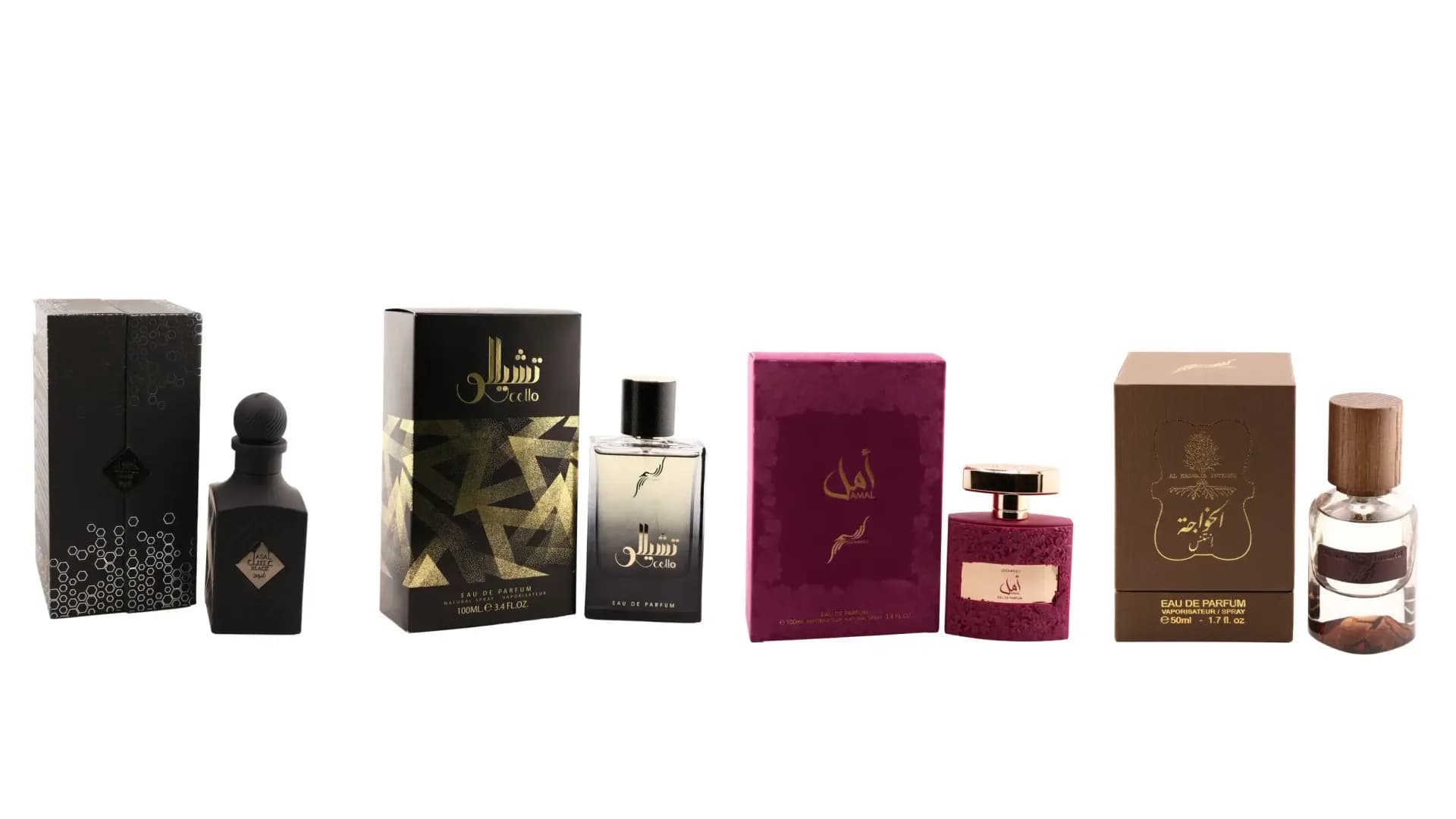
A catalogue rejection is annoying when you have ten products. With 140 SKUs, it becomes a production problem. One image has the wrong background. Another is too small in the frame. A third was exported below the marketplace resolution requirement. Then somebody has to work out which files need editing, which products need reshooting and whether the samples are even still in Dubai.
Most of that can be avoided before the first product reaches the table. For e-commerce product photography in Dubai, the useful approach is not to shoot separately for every marketplace. Build one disciplined master setup at high resolution, know which platform has the strictest rule in each area, and create the final channel files from that capture.
BlueSky Studio currently shoots catalogue content for Amazon, Noon, Namshi and Shopify and composes for the marketplace crop during the shoot rather than trying to rescue a campaign image afterwards. This guide puts the practical requirements side by side. Marketplace rules do change, so check the official seller documentation again before a large upload.
Why marketplace product images get rejected
Most image problems fall into a small number of categories. The background is wrong. The product is too small in the frame. The resolution is too low. The main image contains text, a watermark, packaging or a prop that is not allowed. The crop was made for one marketplace and uploaded to another.
Or the colour of the delivered file simply does not look like the real product. That last one may not trigger an automated rejection, but it can be more expensive because it creates returns. This is especially obvious on fashion catalogues. A black abaya with crushed shadow detail looks acceptable on a large monitor. On a mobile marketplace tile, it can become one black silhouette with no visible sleeve construction, fabric texture or closure.
That is why the marketplace destination should be known before the shoot, not after retouching has already started. BlueSky's e-commerce workflow specifically asks for the SKU count, frames required per SKU and the destination channel before the production is scoped.
Noon product image requirements
Noon publishes its current rules through the Noon Seller Help Center. As of the current guidance, product images must be submitted as JPEG/JPG, with a width of at least 660 pixels, an aspect ratio of at least 0.5 width-to-height, resolution of 72 PPI or higher, maximum file size of 10 MB, and RGB/sRGB colour format. Noon recommends at least three high-quality images showing different angles, size and texture.
For the primary image, Noon says:
- front view of the product;
- pure white background for most categories;
- for fashion, a light grey background is recommended;
- lifestyle photography should not be the primary image;
- light natural shadows are acceptable, hard shadows and reflections are not;
- the product is shown outside its packaging, with no boxes, bags, cases or brand and swing tags in the frame;
- the full product should remain visible rather than being cropped;
- for adult apparel, on-model photography is recommended over flat lay or hanger imagery, except in categories such as swimwear and underwear.
Noon also states that products in additional images should cover at least 70–80% of the image frame, and it prohibits logos, watermarks and unrelated objects. For margins, it asks for 10% at the top and bottom when the product is shot vertically, and 5% on both sides when it is shot horizontally.
What this means on shoot day
Do not shoot the hero frame with lots of elegant negative space because it looks nice on the creative director's monitor. Marketplace tiles are small. The product has to remain obvious after the image is reduced to phone size. For clothing, shoot the full garment cleanly first. Then move into details: cuff, embroidery, closure, fabric texture and any feature the buyer needs to understand before ordering.
Lifestyle belongs later in the image set. The clean commercial frame comes first.
Amazon.ae product image requirements
Amazon's main image rules are stricter. Amazon specifies a pure white background at RGB 255, 255, 255 for the main image and says the product should fill at least 85% of the frame. Text, graphics, logos, watermarks, borders and props that are not part of the purchase should not appear in the main image.
For file dimensions, Amazon.ae's published seller guidance accepts images from 500 to 10,000 pixels on the longest side, while images above 1,000 pixels are preferred to enable zoom. Accepted formats include JPEG/JPG, TIFF, PNG and non-animated GIF. For catalogue work, I would not shoot anywhere close to the minimum.
Capture large. Deliver the marketplace file at a comfortable high resolution. Keep the master. Downscaling later is straightforward. Trying to create real detail from an undersized file is not.
White product on a white background
This is where “pure white” becomes a lighting problem rather than simply a Photoshop value. If a white trainer, cream bottle or pale garment is cut out onto RGB 255 white without enough edge separation, the product starts disappearing. You need a visible contour. That can come from a soft shadow, careful side lighting or a subtle edge created during the capture and preserved during retouching.
The background should reach true white in the final marketplace file. The product should not.
Namshi product image requirements
Namshi is slightly different because it is fashion-led and much of the catalogue workflow is managed through seller or integration systems rather than a single openly accessible public image-guidelines page. A current ChannelEngine integration guide updated in September 2026 lists the primary Namshi image as a high-resolution JPEG/JPG with an aspect ratio of 0.73. It also supports additional product image fields from Image 2 through Image 8.
Do not assume a Namshi background colour, minimum pixel size or exact styling rule without confirming it inside the seller account being used for the brand. That is particularly important because Namshi is fashion-first. A marketplace's technical file rule is only half the job. The shot itself also needs to make sense for apparel.
For a clothing brand, plan:
- full front;
- back;
- three-quarter where useful;
- fabric/detail frame;
- construction or closure detail;
- on-model image where required by the seller/category brief.
For abaya and modest fashion, the detail shots are especially important. Black fabric needs enough separation to show the shoulder, sleeve width, cuff, embroidery and drape. A technically correct file that looks like a black shape on a phone screen is still a poor catalogue image.
Before a Namshi production, confirm the live category requirements in the seller portal or with the marketplace onboarding team.
Noon, Namshi and Amazon.ae side by side
| Rule | Noon | Namshi | Amazon.ae |
|---|---|---|---|
| Main image background | White for most categories; light grey recommended for fashion | Confirm in current seller/category brief | Pure white RGB 255, 255, 255 |
| Main image format | JPEG / JPG | JPEG / JPG | JPEG, TIFF, PNG, non-animated GIF |
| Minimum dimensions | Width ≥ 660 px | Confirm in seller portal | 500 px longest side accepted |
| Recommended working size | Shoot larger than minimum | High resolution | 1,000+ px preferred for zoom |
| Aspect ratio | Width ≥ 0.5 | 0.73 listed by current integration documentation | No fixed universal ratio |
| File size | Maximum 10 MB | Confirm in seller portal | Confirm in Seller Central for upload workflow |
| Product fill | Additional images at least 70–80%; primary should clearly fill frame | Confirm by category | At least 85% on main image |
| Main image text/logos | Not allowed | Avoid unless specifically permitted | Not allowed |
| Packaging on hero | No: product shown outside its packaging | Confirm by category | Avoid unless packaging is the actual product presentation |
| Fashion | Adult apparel: model shots recommended | Fashion-led; shot requirements should be confirmed per category | Category-specific rules apply |
| Additional images | Different angles, details, textures, lifestyle after hero | Additional slots 2–8 documented | Secondary images allow much more creative flexibility |
Specs reviewed: 28 September 2026.
The Noon values above come from Noon Seller Help Center. Amazon values come from Amazon seller guidance. Namshi's publicly accessible technical information is more limited, so confirm the live category brief before a bulk shoot.
Do not build three separate photoshoots
The goal is not to take one image for Noon, another from scratch for Amazon, and another from scratch for Namshi. The goal is to create one master capture that gives the retoucher enough room to prepare the final files for each channel. That is how BlueSky scopes marketplace photography.
Amazon, Noon and Namshi work is composed to the marketplace crop on set, rather than taking a campaign photograph later and hoping it can be forced into the marketplace frame. That distinction matters. If a campaign frame has the model pushed to one side with lots of negative space, a square marketplace crop may leave the product taking up only half the tile.
No amount of export settings fixes bad framing.
The master setup
For a large catalogue, keep the technical setup boring. That is a compliment. Lock the camera. Lock the lens. Mark where the product or model stands. Keep the camera height consistent. Use the same background. Keep the same product-to-frame scale. Shoot tethered so the team can compare SKU 60 with SKU 1 while the set is still live.
If each item needs front, three-quarter, back, detail and texture shots, use exactly that order for every SKU. A repeatable catalogue is made by repetition, not by inventing a new photograph for every product. At BlueSky, catalogue consistency works the same way: same camera height, same lens, same distance and the same crop across the range.
Flat lay, on-model or ghost mannequin?
They solve different problems.
Flat lay
Fastest for straightforward clothing. Good for showing colour, print and basic construction. Not particularly good for showing fit.
On-model
Shows scale and fit immediately. It is slower because every item has to be changed, adjusted, steamed and styled. On-model shooting requires substantially more production time than simple flat lay because changing and fitting become part of every SKU.
Ghost mannequin
Useful for structured garments, jackets, abayas and open pieces where the customer needs to understand the shoulder, lining and inner construction. It normally involves additional captures and retouching. For a basic jersey T-shirt, it may add cost without adding much information. You do not have to pick one method for an entire collection.
Most catalogues use the method that makes sense for each product category.
How much can actually be shot in a day?
BlueSky's benchmark is around 40–60 clothing items in four to six hours, with lower throughput for items that need styling between frames. The limit is usually not shutter speed. It is steaming, pinning, changing and resetting products. That is a much more useful planning number than saying “a photographer can take 300 photographs in a day.”
Of course they can. The question is how many finished products can move through the entire workflow consistently. A jewellery SKU is slower than a T-shirt. A skincare texture smear is slower than a plain bottle packshot. A garment with five frames per SKU is slower than a product needing one front image.
Send the number of SKUs and the number of required frames per SKU before asking how many hours the shoot needs.
BlueSky e-commerce packages
The current e-commerce and marketplace photography packages are:
Starter — from AED 1,800 + VAT
2 hours · up to 20 products
Includes:
- studio setup and lighting;
- white-background packshots;
- 20 retouched photos;
- marketplace-ready crops.
Marketplace-ready crops are included in the Starter package.
Standard — from AED 3,200 + VAT
4 hours · up to 40 products
Includes:
- white background plus styled backgrounds;
- 40 retouched photos;
- detail and texture close-ups;
- flat lays;
- social-media crops;
- 3-day delivery.
Premium — from AED 5,500 + VAT
Full day · up to 80 products
Includes:
- full catalogue shoot;
- 80+ retouched photos;
- lifestyle/context images;
- on-model photography;
- video clips for listings;
- creative direction;
- priority 2-day delivery.
There is also bulk pricing for 100+ SKUs, and the general e-commerce turnaround is 2–5 business days.
Are marketplace crops an add-on?
For the Starter package, marketplace-ready crops are included. More generally, BlueSky delivers to Amazon, Noon and Namshi specifications and composes to the relevant marketplace crop on set. So channel cropping is not a generic paid extra.
The exact deliverable still depends on the package and brief, though. If a brand needs three completely separate export sets, unusual dimensions, several languages or hundreds of additional derivative files, put that in the quote before production. But standard marketplace preparation is clearly part of the current e-commerce offer.
Reflective products need their own workflow
Chrome, glass, watches and polished jewellery behave differently from ordinary catalogue products. They reflect everything around them. Lights. Stands. The ceiling. Sometimes the photographer. That is why BlueSky prices jewellery separately from basic e-commerce photography. Its jewellery workflow uses controlled reflection, macro work and, where needed, focus stacking rather than treating a ring like another box on the table.
If a catalogue includes jewellery, watches, glossy perfume bottles or chrome products, mention that before the quote. Do not assume the normal clothing throughput applies.
Shopify is easier technically, but easier to get wrong visually
Your own store does not reject an image because the background is slightly grey. That freedom is useful. It can also create a messy catalogue. One product is photographed larger. The next one is lower in the frame. Half the collection uses white and the other half warm grey.
The camera slowly gets closer over the course of the day. Each product page looks fine on its own. Then the collection grid opens and the inconsistencies become obvious. Treat Shopify like a marketplace anyway. Choose one master ratio. Lock the camera height. Use the same lens.
Keep the product size consistent. Use one colour-management workflow. That discipline is what makes forty separate SKUs look like one brand.
Colour accuracy matters as much as resolution
Marketplace photography is not finished when the background is white. The delivered product should still look like the product that arrives at the customer's door. Colour-accurate retouching for consistent catalogues is part of BlueSky's e-commerce service. That is especially important for black clothing, beige, cream, muted greens and other colours where a small colour shift can make the product look materially different.
Keep the editing consistent across the batch rather than retouching each SKU as an isolated image.
Naming the files
Tying filenames directly to the SKU is the right working principle. A clean catalogue handover might look like:
SKU1234_MAIN.jpg SKU1234_BACK.jpg SKU1234_DETAIL01.jpg SKU1234_DETAIL02.jpg
Then separate folders by destination where different exports are needed:
/Amazon /Noon /Namshi /Shopify
Confirm the naming convention and folder structure with the studio when you book. Use this example as a sensible project convention unless the production team supplies a different naming template.
Delivery timing
For BlueSky's current e-commerce offer: Starter: general e-commerce turnaround applies. Standard: 3-day delivery. Premium: priority 2-day delivery. The overall e-commerce turnaround is 2–5 business days. For very large catalogues above 100 SKUs, ask for a project-specific schedule. Bulk pricing applies, and the delivery time for a 100-, 200- or 500-SKU project is worth confirming with the studio when you book.
That makes sense because the number of frames per SKU changes the edit volume dramatically. Two hundred products at one packshot each are not the same post-production job as two hundred products with five images each.
Sending products to the studio
BlueSky Studio is in Al Quoz Industrial Area 3 and operates 09:00–21:00, seven days a week. For a bulk catalogue, send a product list before production and organise the samples by SKU. The quote is built from the SKU count and product list; agree courier intake, labelling and the delivery window for a large consignment with the studio when you book.
So do not assume that couriers can always drop 200 boxes at any time. For a large delivery, confirm the arrival with the studio first. The useful preparation is simple: each product should match the SKU list; the shot order should already exist; and the studio should know how many boxes are arriving.
Frequently asked questions
- What size should product images be for Noon?
- Current Noon seller guidance requires image width of at least 660 pixels, aspect ratio of at least 0.5 width-to-height, resolution of at least 72 PPI and a maximum file size of 10 MB. Images must be JPEG/JPG and RGB/sRGB. For production, do not shoot at 660 pixels. Capture substantially larger and export the marketplace version afterwards.
- Does Amazon.ae require a pure white background?
- Yes. Amazon's main product image uses pure white RGB 255, 255, 255. The product should occupy at least 85% of the frame, with no text, logos, watermarks or unrelated props on the main image.
- How large should an Amazon.ae image be?
- Amazon.ae seller guidance accepts files from 500 to 10,000 pixels on the longest side and prefers images over 1,000 pixels to support zoom. JPEG, TIFF, PNG and non-animated GIF are supported.
- Can I use exactly the same image file for Noon, Namshi and Amazon.ae?
- Sometimes the same master capture can be used. The final export should still follow the destination channel's crop and technical rules. That is why BlueSky composes around marketplace ratios during the shoot instead of relying entirely on post-production cropping afterwards.
- Does BlueSky shoot specifically for Amazon, Noon and Namshi?
- Yes. BlueSky shoots for Amazon, Noon, Namshi and Shopify, including white-background packshots and marketplace-ready output.
- How much does e-commerce product photography cost in Dubai?
- BlueSky's current e-commerce packages are: Starter — from AED 1,800 + VAT; Standard — from AED 3,200 + VAT; Premium — from AED 5,500 + VAT. There is bulk pricing for more than 100 SKUs.
- How many products can BlueSky photograph in a day?
- For clothing, BlueSky's benchmark is roughly 40–60 products in four to six hours. Products requiring more styling, pinning, texture work, ghost mannequin or reflective-surface control take longer.
- How quickly are e-commerce images delivered?
- The e-commerce turnaround is 2–5 business days. Standard includes 3-day delivery, while Premium includes priority 2-day delivery.
Written by
Kate
Founder and Creative Director, BlueSky Studio
Kate founded BlueSky Studio, registered the company and opened the Al Quoz Industrial Area 3 location, and designed the six permanent sets the studio shoots in. She sets the rates quoted in these guides and works on the floor with the teams who book them, so the timings, the equipment and the numbers here come from the rooms rather than from a content brief.
Keep reading
TikTok Shop and Shopify Image Specs for UAE Sellers
Image counts, aspect ratios and file weight for TikTok Shop product images and Shopify, plus why a 1:1 hero and a 9:16 vertical have to be shot on the same day.
· 11 min read
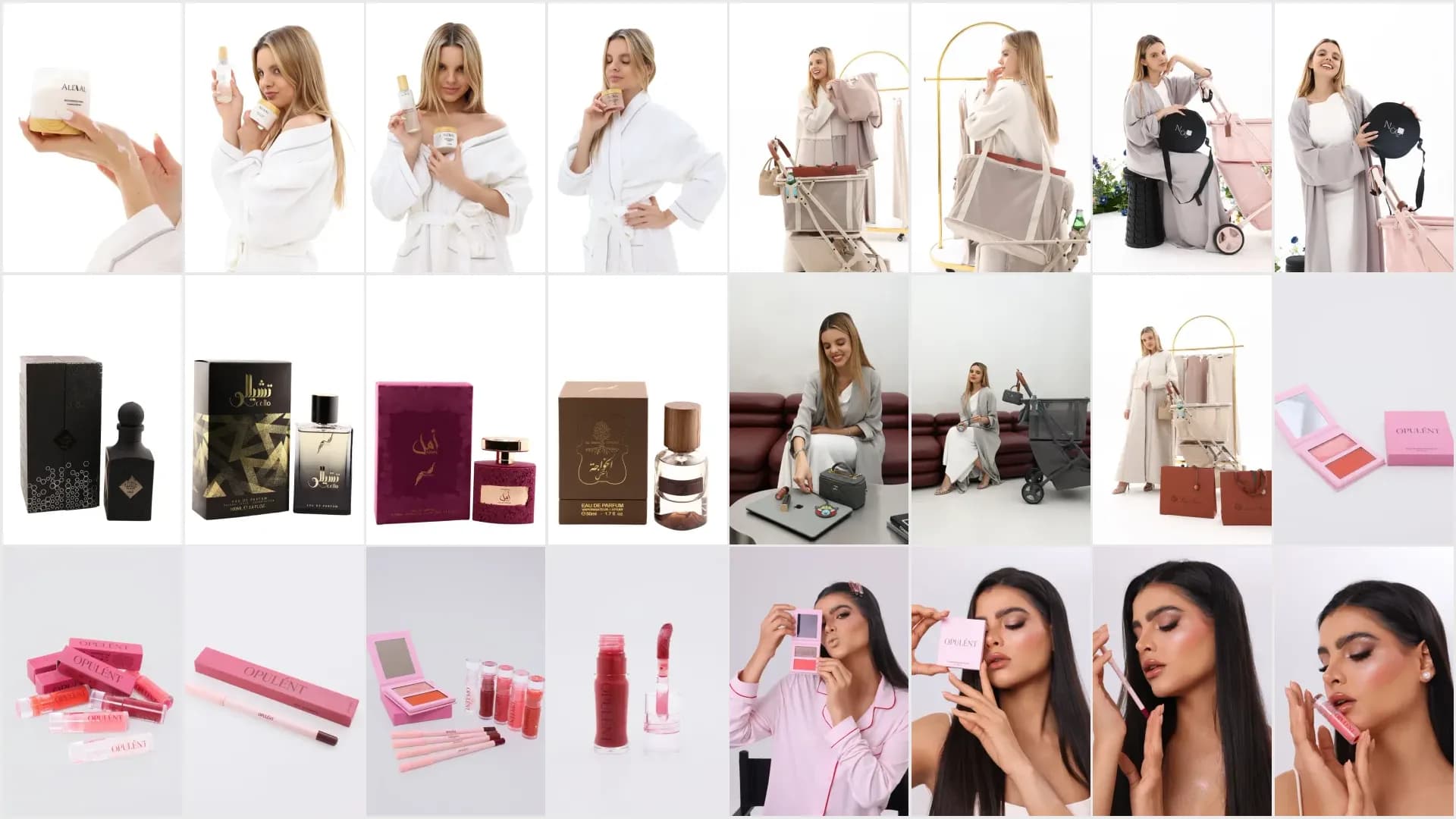
Two Hundred SKUs in Two Days: How Bulk Catalogue Shoots Run
Intake, locked shot templates, tethered capture, batch retouch and realistic throughput per hour. How bulk product photography for 200 SKUs runs in Dubai.
· 13 min read
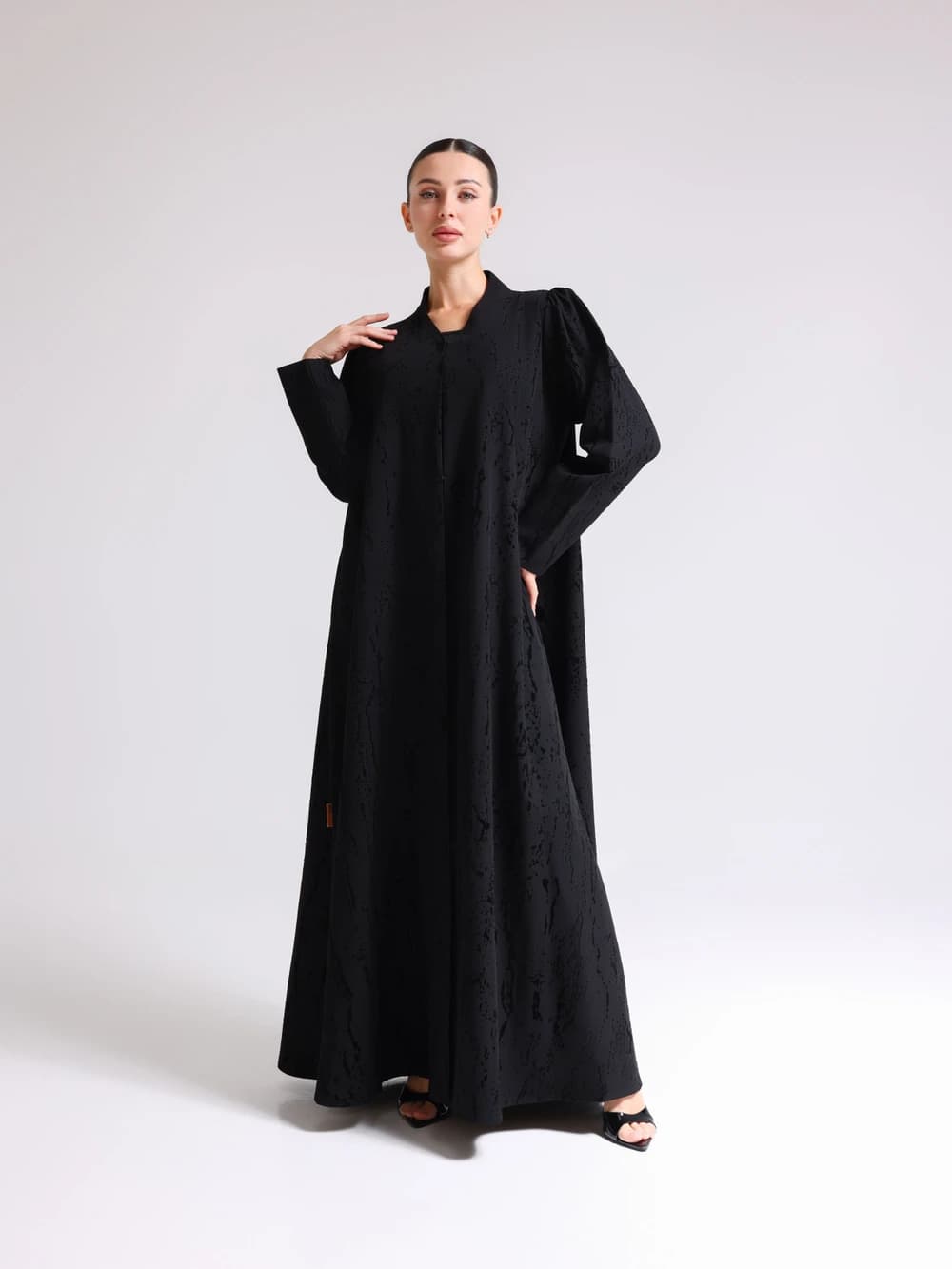
How to Photograph a Black Abaya So the Weave and Seams Still Show
Black abaya photography that keeps the weave, seams and stones: why the meter misreads black, where the lights go, black on white, and an edit that stays black.
· 9 min read
Six themed rooms in Al Quoz, lighting included, from AED 320 + VAT per hour.